
Walkthrough Reports,
Done Right.
Conduct professional property condition walkthroughs, capture GPS & timestamp-watermarked photos and 60-second video clips, switch seamlessly between Agent Only and joint walk reports, and compile executive US Letter PDFs with on-device cryptographic verification.

LOC: 842 Ocean Dr #6B, Miami Beach, FL 33139
GPS: 25.77813° N, 80.13133° W
Captured by WalkReportApp.com
Built for Anyone Needing Undeniable Before & After Proof
Whenever you need tamper-proof evidence of how you found a property or item, what work was done, and how it was left—WalkReport provides instant, GPS-stamped visual truth.
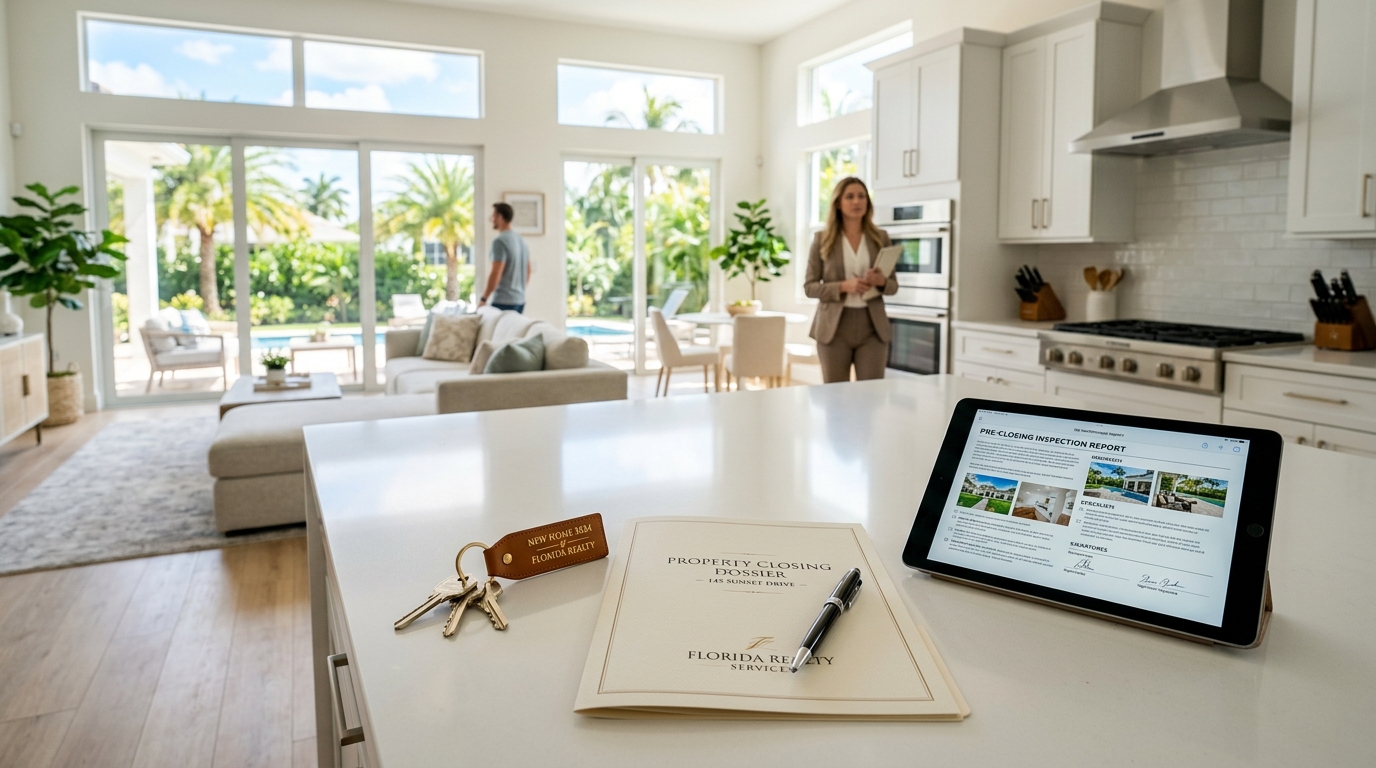
Real Estate Brokerages & Teams
Eliminate pre-closing friction before escrow funds disburse. Document property condition during final walkthroughs, confirm completed repair requests, and capture buyer sign-off directly on screen. With Business Edition, every executive PDF automatically features your company logo, team brand colors, and custom office disclaimers.
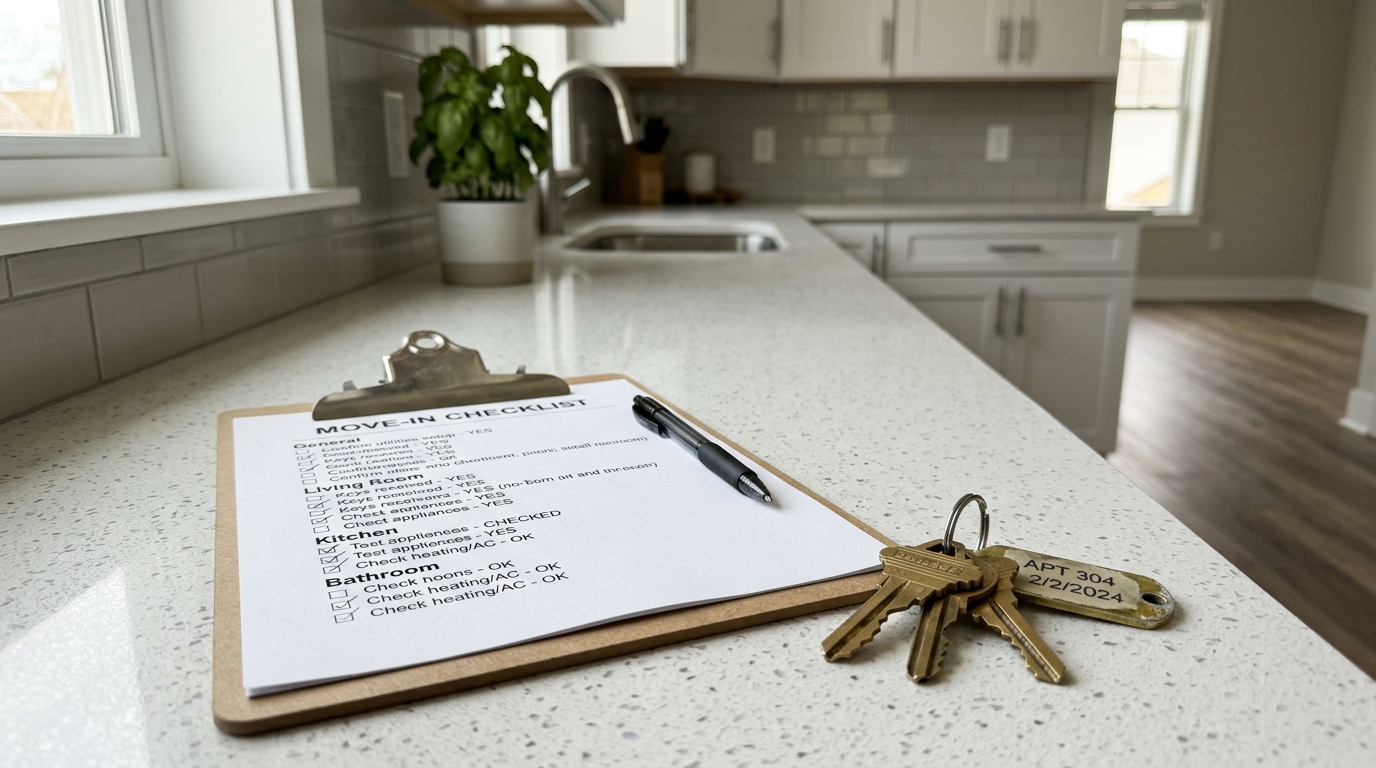
Property & Rental Managers
Establish a verifiable condition baseline at lease signing and verify it during tenant move-out. Both landlord and tenant sign together on a single divided screen upon key handover, permanently locking photos, meter readings, and defect notes into an immutable report that prevents security deposit disagreements.
Airbnb & Vacation Rental Hosts
Defend your property against guest damage disputes and streamline resolution payouts (such as Airbnb AirCover). Stamp exact date, time, and coordinates on every room right before check-in and immediately after checkout to prove guest-caused breakages, unauthorized parties, or excessive mess with irrefutable visual evidence.

Cleaning Crews & Turnover Teams
Prove exactly what state you walked into—prior stains, excessive trash, or structural wear—and highlight the immaculate post-service result. Instantly export a timestamped Letter PDF report to property managers or vacation rental hosts before the next guest or tenant steps through the door.

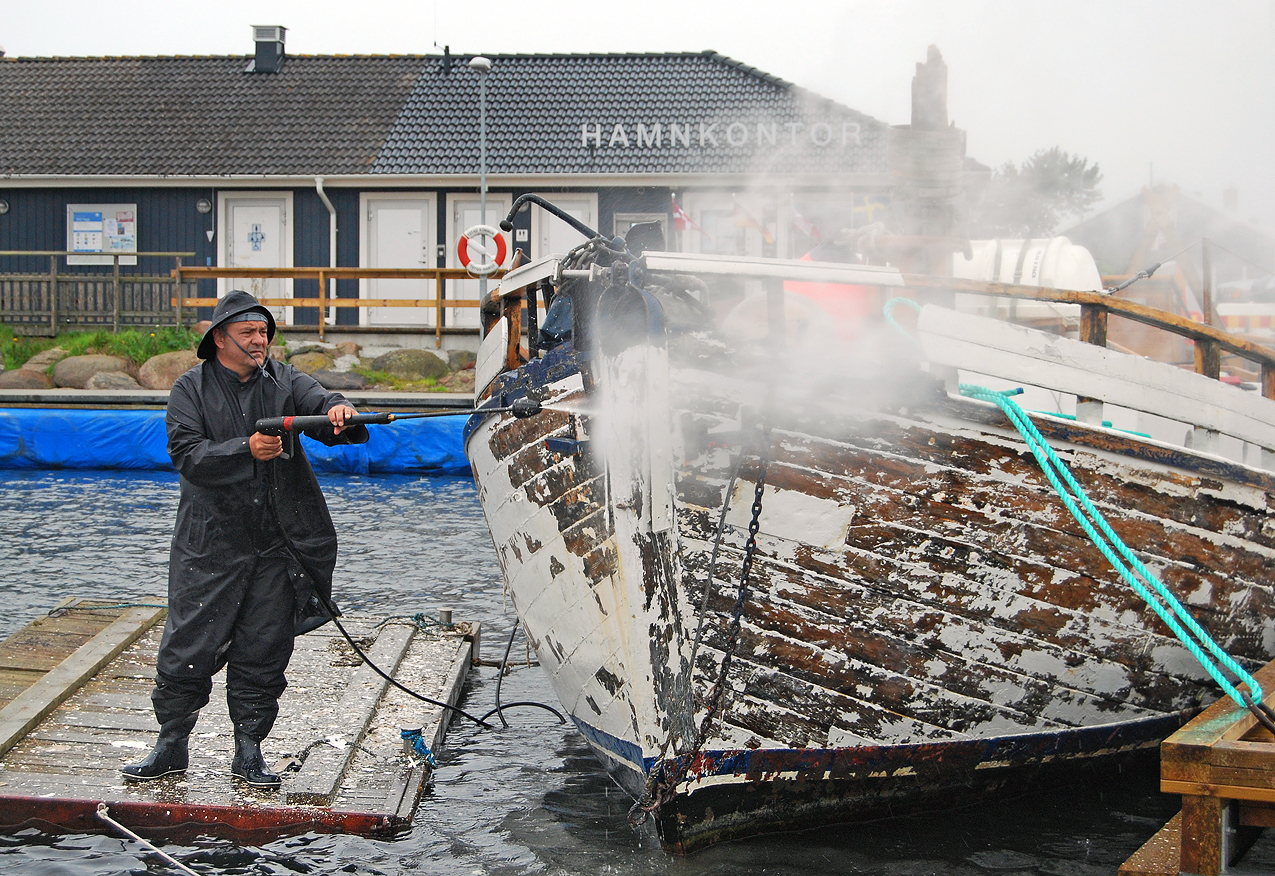
Equipment Servicing & Asset Intake
Essential for vehicle detailing, tool rentals, appliance refurbishing, or custom physical fabrication. Document pre-existing scratches, cosmetic imperfections, and functional status the moment an item is dropped off, perform your work, and secure client sign-off upon collection to guarantee crystal-clear accountability from intake to return.
Movers & Relocation Teams
Eliminate false damage claims when moving high-value furniture, appliances, and delicate interiors. Document pre-existing dents, scuffs, and stairwell wall condition before lifting a single box, and capture the client’s sign-off at destination to confirm flawless, damage-free delivery.

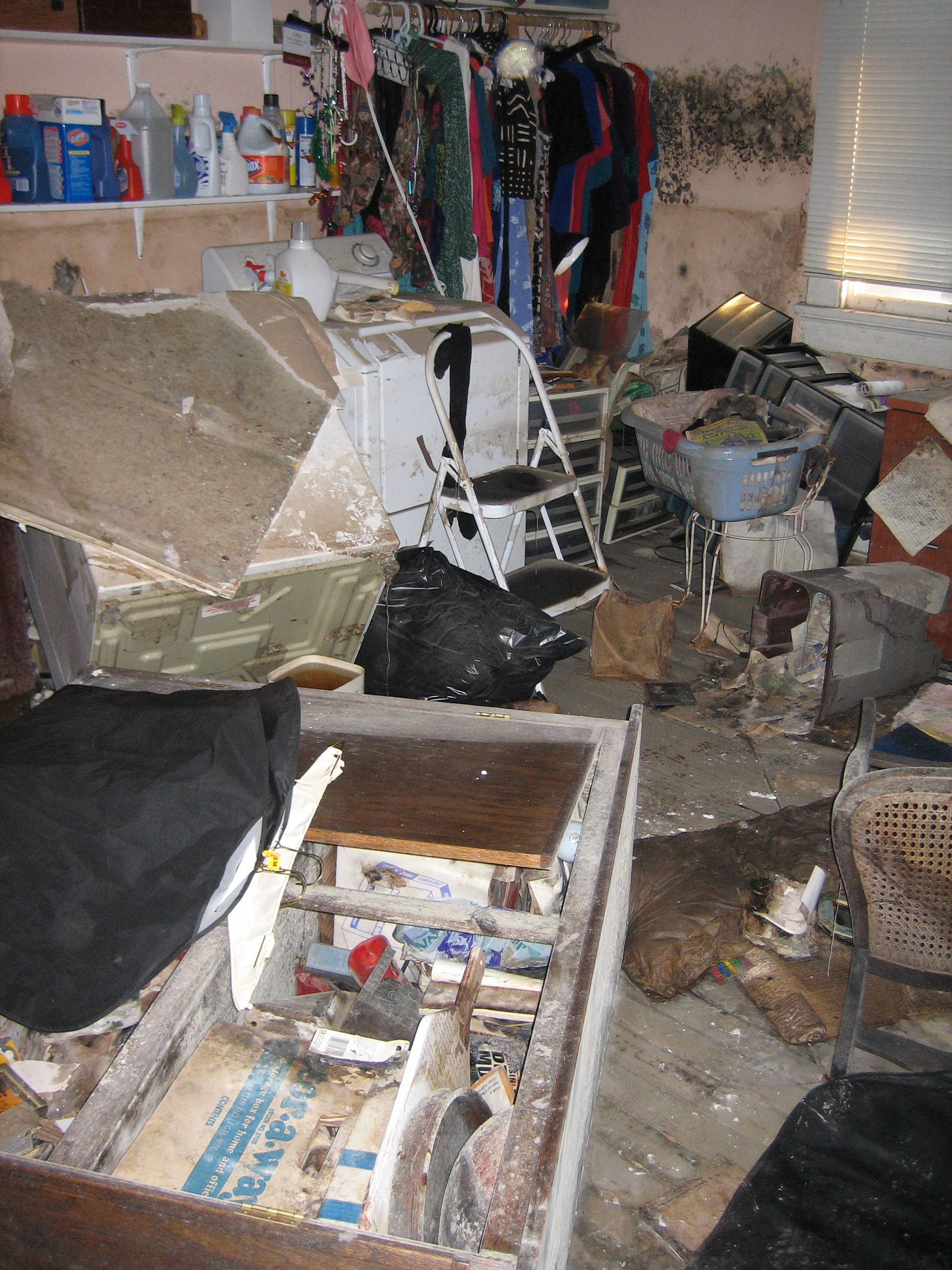
Restoration & Mitigation Specialists
Log moisture intrusion, smoke damage, or flood conditions the minute emergency crews arrive on-site. Track progressive drying stages, room sanitization, and structural stabilization with tamper-proof timestamps that adjusters and property owners can verify with complete confidence.
Event Venues & Rental Spaces
Protect banquet halls, studios, and wedding venues. Perform a quick 5-minute photo/video walkthrough with the organizer during key handover to record baseline conditions, then verify conditions post-event before releasing security deposits.

Landscapers & Groundskeepers
Document dramatic outdoor overhauls, tree care, earthwork, and exterior hardscaping. Record pre-existing fence flaws, irrigation lines, or boundary markers before heavy machinery rolls onto the property, and present a signed Letter PDF to the homeowner showing the immaculate finished transformation.
Roofing, Siding & Solar Installers
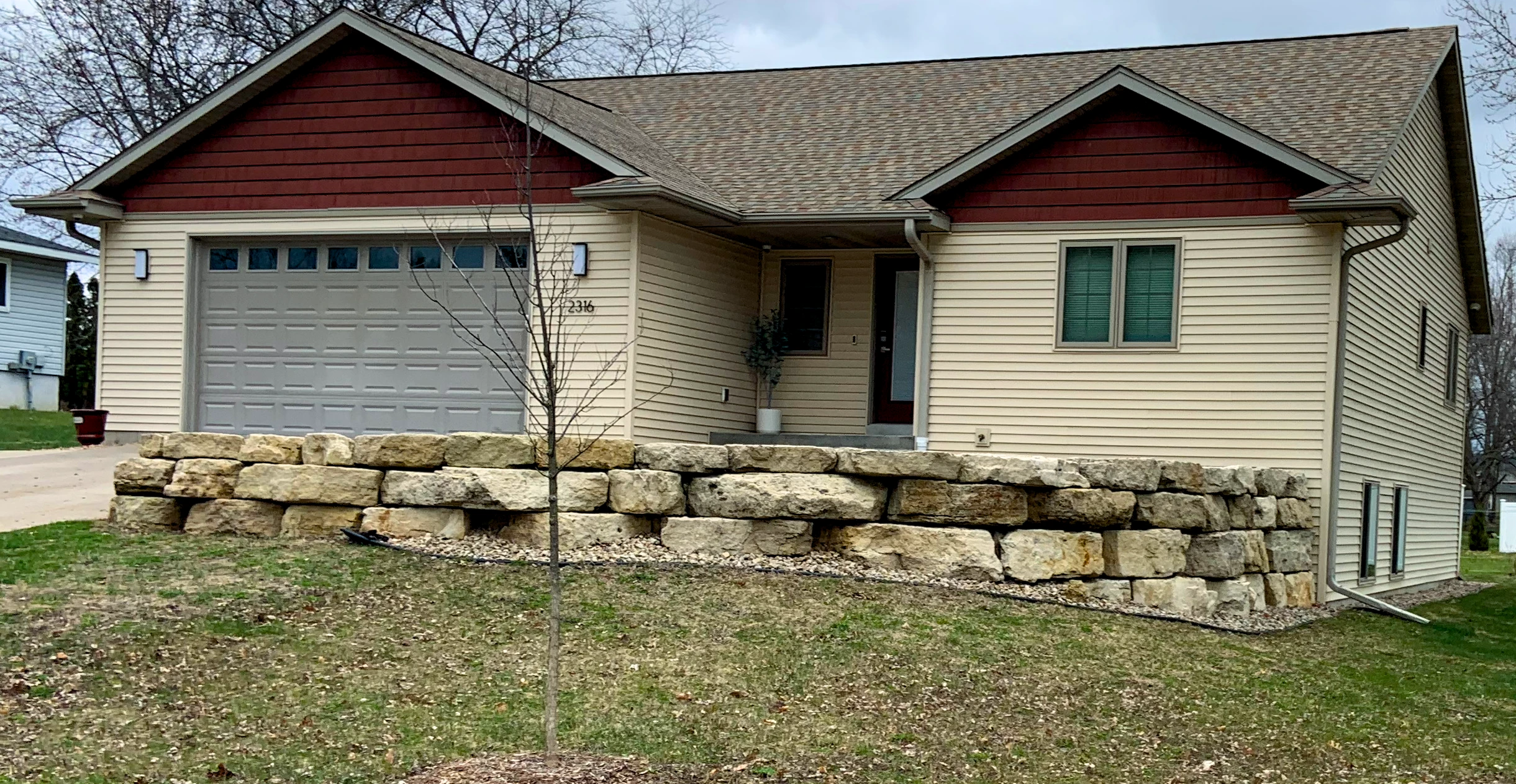
Give property owners crystal-clear visibility into high-elevation work they can never safely examine themselves. Capture high-resolution photo and video evidence of damaged flashings, storm impacts, or bare decking, then document the completed solar array or new roofline with GPS-anchored proof for instant client sign-off.
Handymen & Trade Contractors
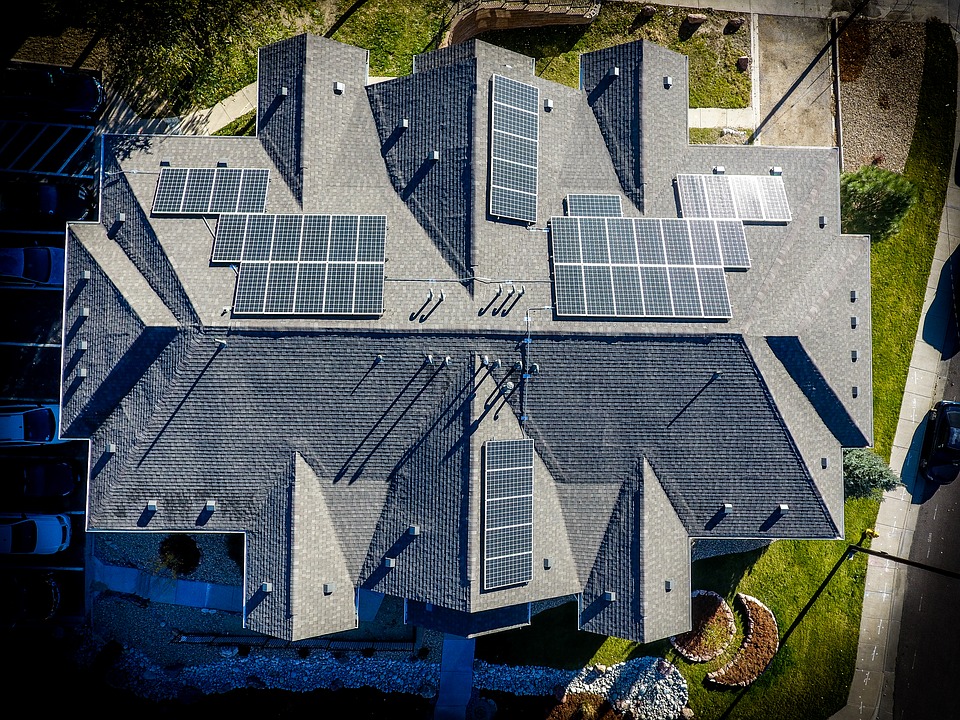
Protect your business from being blamed for preexisting flaws. Capture objective, verified before-and-after photo and video proof of plumbing, electrical, carpentry, or drywall repairs. Burned-in GPS coordinates and exact timestamps prove pre-existing site conditions prior to your work and substantiate completed milestone sign-offs for fast, dispute-free client payouts.
Pool & Spa Service Contractors
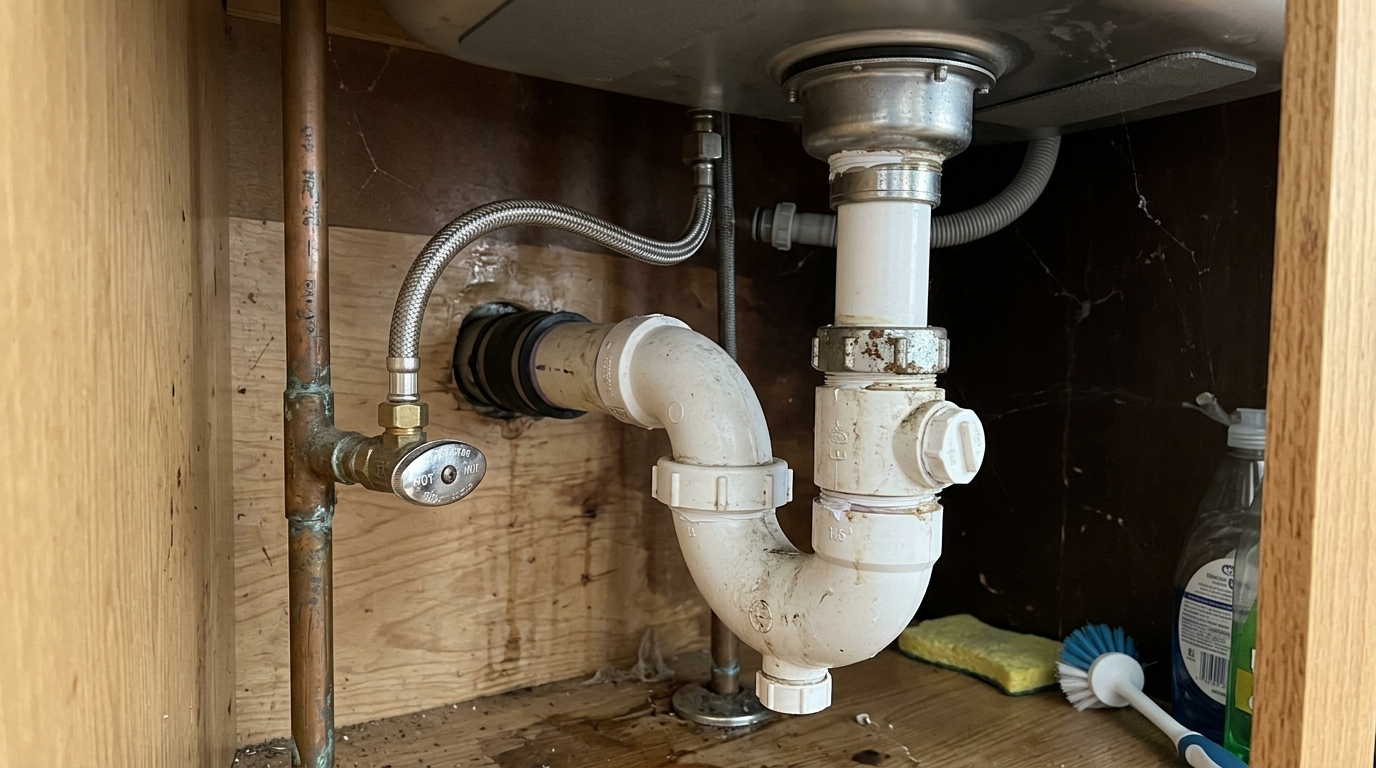
Showcase dramatic green-to-clean water restorations and mechanical room overhauls. Document crack lines, pump condition, and water chemical clarity before servicing, followed by crystal-clear post-treatment evidence for recurring client sign-offs.
Engineered for Uncompromising Field Documentation
Native iOS capabilities built for speed, offline reliability, and tamper-evident records.
Adaptive Walkthrough Types & Sign-Off
Easily select between Agent Only (solo condition surveys with an elegant, centered single-attestation sign-off) and Agent + Client (joint walkthroughs with side-by-side dual signatures on a divided PencilKit canvas).
Burned-In GPS Watermarks & Provenance
On-site photos receive permanent bitmap watermarks with exact capture timestamp, physical street address, and cardinal GPS coordinates. Photos imported from your device library are clearly tagged as attached media to maintain record provenance.
60-Second Videos & 4-Frame Storyboards
Capture focused 60-second video walkthrough clips compressed with on-device HEVC hardware encoding. WalkReport automatically stamps every frame and extracts an automated 4-frame storyboard filmstrip embedded directly into the final PDF report.
Visual Condition Tagging System
Tag observations with standardized condition indicators: 🟢 Good, 🟡 Monitor, 🟠 Attention, and 🔴 Defect. Labels are customizable (with bilingual English/Spanish support) and automatically compile into executive summary counters.
On-Device Cryptographic Integrity & QR Ledger
Finalized walk reports are cryptographically sealed on-device using Apple CryptoKit (P-256 ECDSA & SHA-256 manifest hash), making records permanently immutable. A vector QR code on the final PDF page verifies authentic record existence on a public ledger.
Executive US Letter PDF & iCloud ZIP Export
Generate a publication-grade US Letter (8.5 × 11 in) multi-page PDF in one tap. Package your entire walkthrough into a standardized .ZIP archive with full-resolution watermarked media—saved directly to your private iCloud Drive or shared via AirDrop.
See WalkReport in Action
Engineered natively for iOS with fluid animations, offline-first reliability, and clean executive design.

Portfolio Dashboard
Track active drafts and finalized walkthroughs with adaptive 'Agent Only' and 'Agent + Client' badges, search, and live photo/video counters.

Evidence Gallery & Condition Tags
Categorized photo and 60-second video evidence cards tagged with standardized condition indicators: 🟢 Good, 🟡 Monitor, 🟠 Attention, and 🔴 Defect.

Burned-In GPS Watermark & Notes
Full photo observation with permanent burned-in timestamp, Florida street address, cardinal GPS coordinates, and hands-free voice notes.

Executive Summary & SHA-256 Seal
High-level condition counters, immutability timestamp, and on-device Apple CryptoKit (P-256) cryptographic integrity seal.

Adaptive Digital Sign-Off
Single centered attestation for solo agents or divided screen for agent and client dual signatures with instant PencilKit stylus support.

Executive US Letter PDF & QR Ledger
Publication-grade multi-page PDF with 4-frame video storyboards and vector QR code linking to public ledger verification.
Six Steps from Setup to Signed PDF
A streamlined, foolproof walkthrough workflow designed for the speed of real-world property evaluations.
User Profile & Company Branding
Configure your Evaluator/Agent Name, Phone, and Email once in Settings, or enter your firm's 5-character organization code (e.g., CK78T) to instantly activate corporate branding colors, company logo, and custom notices.
Select Walkthrough Type & Address
Select between Agent Only (solo condition surveys) and Agent + Client (joint handovers). Tap for instant GPS reverse geocoding to lock the physical Florida street address and coordinates in seconds.
Capture Photos, 60s Videos & Tags
Document each room with high-res photos and 60-second video clips. Exact cardinal GPS coordinates, address, and timestamps are burned into media pixels. Tag items with condition indicators (🟢 Good, 🟡 Monitor, 🟠 Attention, 🔴 Defect) and voice notes.
Adaptive On-Device Sign-Off
Sign with finger or Apple Pencil on a responsive PencilKit canvas. Solo agent walkthroughs use a centered single attestation; joint walkthroughs capture side-by-side agent and client signatures on a divided screen.
Cryptographic Finalization & Lock
Tap Sign & Lock. The report is sealed on-device using Apple CryptoKit (P-256 ECDSA & SHA-256 manifest hash). All media, notes, and timestamps become permanently immutable, preventing post-signing edits.
US Letter PDF & QR Ledger Export
Compile a publication-grade US Letter (8.5 × 11 in) PDF complete with 4-frame video storyboards and vector QR verification code. Export full-resolution .ZIP packages directly to your private iCloud Drive or AirDrop.
Frequently Asked Questions
Have questions about WalkReport? Here are the answers.
How does WalkReport pricing work?
WalkReport is free to download on the App Store and includes 3 complimentary, fully-featured walkthrough reports with zero ads, no account creation, and no credit card required. After your 3 free reports, you can continue with an individual Solo Pro subscription ($19/mo or $99/yr, saving 56%), or enter an Organization Code from your brokerage, property management firm, or hospitality company for unlimited team access. Even if you don't subscribe, all your past finalized reports, photos, and signatures remain permanently safe, viewable, and exportable on your device and iCloud with zero hostage data.
What is the difference between Agent Only and Agent + Client walkthroughs?
Agent Only is tailored for solo condition surveys, pre-listing visual records, and internal brokerage archiving where only the agent signs off (producing an elegant, centered single-attestation block in the PDF). Agent + Client is designed for joint walkthroughs (tenant key handovers, buyer pre-closing reviews) where both parties sign side-by-side on screen.
Does WalkReport work without an internet connection?
Yes! WalkReport is built with a 100% offline-first architecture. You can capture photos, record videos, stamp GPS coordinates via your device's satellite receiver, and compile full Letter PDF reports even in basements or remote properties with zero cell service.
Can the GPS watermark on photos be removed or altered?
No. Unlike standard iPhone photos where GPS is merely hidden metadata (EXIF) that gets automatically stripped when sharing via WhatsApp or email, WalkReport prints a clearly visible stamp directly into the image pixels in the corner (showing Date, Time, Street Address, and GPS coordinates). Once captured, this watermark becomes a permanent part of the photograph itself and cannot be removed, stripped, or tampered with.
How does Public Ledger QR Verification work?
When a report is finalized, WalkReport computes an on-device cryptographic SHA-256 hash and signs it using Apple CryptoKit (P-256). The generated US Letter PDF includes a vector QR code linking to our verification endpoint (config.walkreportapp.com/v1/records/verify/[hash]) confirming that the visual record exists and has remained untampered since signing.
Can a walk report be altered after it has been finalized?
No. WalkReport features a permanent tamper-proof locking mechanism. Once you mark a walkthrough as finalized, all photos, notes, and property addresses become permanently read-only and immutable. This provides an unalterable visual baseline for property condition archives, security deposit reviews, and team handovers.
Where are my walkthrough photos and PDF files stored?
All data is stored securely in the local sandbox of your iOS device. When you export, files are saved directly to your personal iCloud Drive or Files app. No data is ever transmitted to external third-party servers.
What is included in the Walk Report Package (.ZIP)?
The standardized ZIP archive contains three components: (1) a Photos folder with all high-resolution GPS-stamped images, (2) a Videos folder with full-length 60-second HEVC recordings, and (3) the compiled executive US Letter PDF condition report.

Meet OH Pad — The Open House Visitor Kiosk
The elegant, anti-SaaS open house visitor registration kiosk and lead engine for iPad & iPhone. Replaces paper clipboards with a distraction-free visitor check-in terminal, automatically wipes visitor data for privacy, requires a 4-digit agent security PIN, and exports instant CRM CSVs (Follow Up Boss, KVCore, Lofty) plus executive 1-page Seller Activity PDF reports. Zero subscriptions, 100% offline.
Need Assistance or Have Feedback?
Have questions, encountered an issue, or want to suggest a new feature? Send me a message and I will get back to you promptly.